
![[HERO] 5 Steps to Simplify Employee Benefits Enrollment (Easy Guide for HR Teams)](https://cdn.marblism.com/6YV2VB91crf.webp)
Content provided by Erik Hill, a Colonial Life Independent Agent.
Let’s be honest. Open enrollment season can feel like running a marathon while juggling flaming torches.
You’re fielding endless employee questions. You’re coordinating with multiple vendors. You’re drowning in spreadsheets. And somehow, you’re supposed to make sure everyone understands their benefits well enough to make smart decisions for their families.
It’s a lot. We get it.
But here’s the good news: it doesn’t have to feel this stressful. With the right approach (and the right support), you can make open enrollment more organized and easier to manage.
Ready to take back your sanity? Here are five educational steps to simplify employee benefits enrollment for your team.
Step 1: Start Planning Early (and Build Your Game Plan)
The biggest mistake HR teams make? Waiting until enrollment is right around the corner to start preparing.
We recommend starting your planning process three to six months before your enrollment window opens. This gives you time to breathe, troubleshoot, and actually think strategically instead of just reacting.
Here’s where to start:
- Map out your current enrollment process from start to finish
- Identify the pain points: where do things get messy?
- Survey employees about their past enrollment experiences
- Review key metrics like participation rates and common errors
- Set specific, measurable goals for this year’s enrollment
Maybe your goal is reducing the number of employee questions by 25%. Or cutting down manual data entry by 30%. Whatever it is, write it down.
Having clear objectives helps you stay focused. It also gives you something concrete to show leadership when they ask how things went.

Step 2: Create a Multi-Channel Communication Strategy
Your workforce probably spans multiple generations. Some employees check email religiously. Others prefer text messages. A few might still appreciate something they can hold in their hands.
The key is meeting your people where they are.
Build a communication timeline with these phases:
- Teaser phase: Give employees a heads-up that enrollment is coming. Get them thinking about their current coverage and whether it still fits their needs.
- Education phase: Explain any changes to plans, new options, or updated costs. Keep it simple and jargon-free.
- Decision-support phase: Provide tools, resources, and opportunities for employees to ask questions.
- Reminder phase: Send friendly nudges as deadlines approach. Nobody wants to miss the window.
- Post-enrollment wrap-up: Confirm elections and let employees know what happens next.
Use every channel that makes sense: email, intranet posts, team meetings, text messages, even mailers sent to employees’ homes.
This is where digital benefit booklets become a game-changer. Instead of printing hundreds of pages that end up in the recycling bin, you can share interactive digital resources employees can access anytime, anywhere.
They’re easier to update, easier to distribute, and honestly? Employees are more likely to actually read them.
Step 3: Give Employees Decision-Support Tools That Actually Help
Here’s something we see all the time: employees get overwhelmed by their benefits options and either make rushed decisions or just stick with whatever they had last year.
Neither of those approaches serves them well.
Your team needs tools that help them understand their choices without needing a degree in insurance terminology.
Consider offering:
- Plan comparison charts that show options side-by-side
- Cost calculators and estimators
- “What-if” worksheets for different scenarios
- Enrollment checklists with clear due dates
- FAQs that address the most common questions

The goal is to help employees make informed decisions. When they understand their options, they’re more likely to feel comfortable with what they chose—and you’ll usually spend less time untangling confusion after enrollment closes.
If you want help building employee-friendly education, decision-support tools, and an enrollment experience that fits your workforce, we can talk through options and share what typically works well.
Step 4: Leverage Technology to Reduce Your Workload
If you’re still manually entering data, chasing down forms, or transferring information between systems by hand: you’re working way too hard.
Technology should be doing the heavy lifting for you.
Here’s what to look for in your enrollment platform:
- Automated data flows between enrollment, payroll, and benefits vendors
- Built-in validation rules that catch errors before they become problems
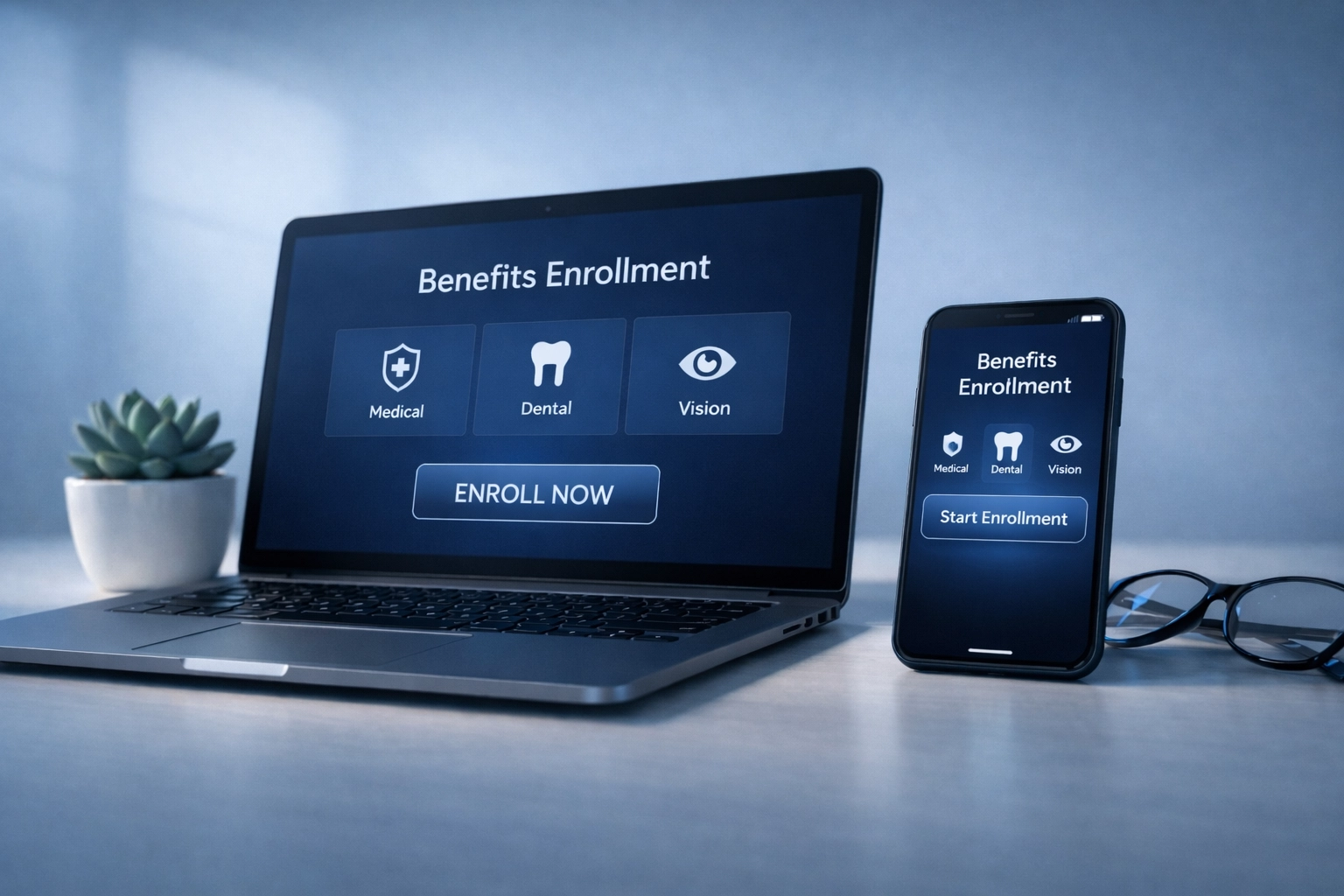
- Self-service options so employees can enroll on their own time
- Mobile access for employees who aren’t at a desk all day
- Guided walkthroughs that help employees navigate the process step-by-step
If you use a benefits administration and enrollment platform (or you’re evaluating one), look for tools that reduce duplicate work and make it easier to manage enrollment details in one workflow.
Step 5: Offer Personalized 1-to-1 Benefits Counseling
This is the step that truly sets a great enrollment experience apart from a mediocre one.
Think about it. Benefits can be confusing. Even with great tools and clear communication, many employees still have questions specific to their situation.
- “I’m planning to have a baby next year: what coverage makes sense?”
- “My spouse has insurance through their job: should I still enroll?”
- “What’s the difference between accident insurance and hospital indemnity?”
Generic information only goes so far. Employees need someone who can sit down with them (in person or virtually) and walk through their unique circumstances.
That’s exactly what 1-to-1 benefits counseling is designed to provide.
Depending on how your enrollment is set up, you may be able to offer 1-to-1 benefits counseling so employees can:
- Hear plain-language explanations of their options
- Ask questions based on their situation
- Understand how coverages can work together
- Get walked through the enrollment steps
This personalized approach takes a huge burden off your HR team. Instead of being the go-to person for every single benefits question, you can point employees to a trained counselor who specializes in this stuff.
Good to know: Many enrollment programs support multiple formats (in-person, virtual, and/or telephonic), which can be helpful if your workforce is hybrid or spread across locations.
When employees have access to timely, individualized help, it can reduce confusion and cut down on follow-up questions after enrollment.
You Don’t Have to Do This Alone
Open enrollment will always require some effort. But it doesn’t have to consume your entire quarter or leave you feeling burned out.
With the right preparation, communication strategy, tools, technology, and personalized support: you can create an enrollment experience that actually works.
Here’s a quick recap of the five steps:
- Start planning early and set clear goals
- Use multi-channel communication with a phased timeline
- Provide decision-support tools that empower employees
- Leverage technology like Gathr® to automate and streamline
- Offer personalized 1-to-1 benefits counseling
Content provided by Erik Hill, a Colonial Life Independent Agent. If you want a second set of eyes on your enrollment timeline, communications plan, or decision-support materials, we’re happy to talk through what you’re trying to accomplish and share practical ideas.
To connect, use Colonial Life’s contact page: Contact us.
Disclaimer: Insurance products have limitations and exclusions and may not be available in all states.
 Erik Hill - Colonial Life Independent Agent
Leave a comment